 SmartrLock
How to stop scrolling on Instagram and TikTok
- Endless scrolling has no natural moment to stop: you have to create one.
- Spot your risky moments, turn off notifications and set a time rather than a ban.
- SmartrLock adds a pause and a quiz before you reopen Instagram or TikTok.
Endless scrolling has no end, that's the point. There's never a bottom of the page, never a natural moment to stop. To get out, you have to create one. Here's what really helps.
1. Spot your risky moments
When you wake up, on the bus, before sleep, when a task bores you… Scrolling mostly fills small gaps. Knowing them already lets you fill them differently.
2. Turn off those apps' notifications
Every notification is an invitation to reopen the app. Keep messages from people you love, turn off the rest.
3. Set a time, not a ban
Deleting Instagram sometimes works, but many people end up reinstalling it. Giving yourself a reasonable time per day is easier to keep.
4. Add a pause before going back
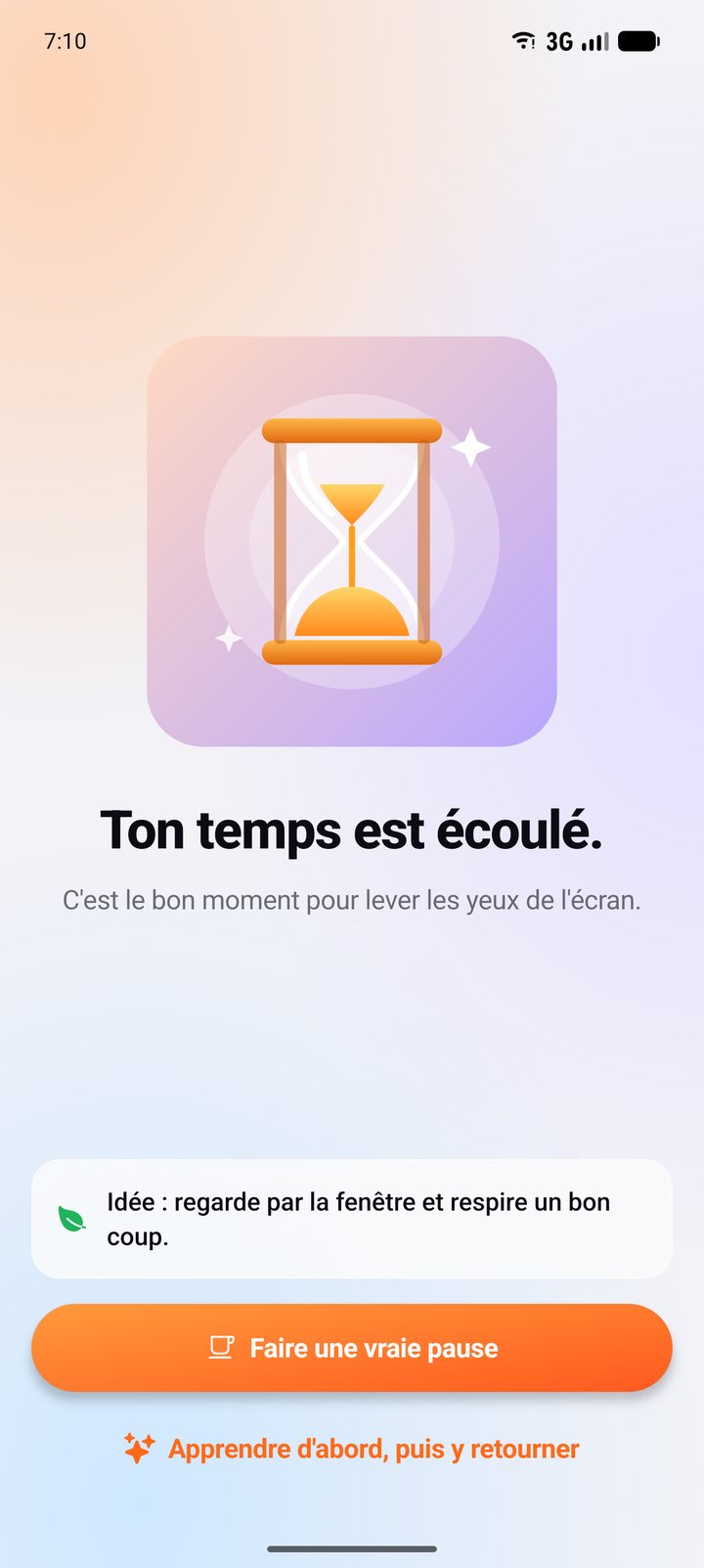
That's the core of SmartrLock. When your time is up, the app pauses. To go back, you first take a 5-question quiz. That minute is often enough for the urge to fade. And if you go back, at least you learned something.
5. Ask yourself why you open it
With the "Message before opening an app" option, SmartrLock asks you a short question when you open a paused app: "Were you looking for something specific?". After a few seconds, you pick "Never mind" or "Yes, I'm going in".
6. Don't do it alone
Comparing screen time with friends, or keeping a scrolling limit as a team, motivates far more than a resolution made alone. Read: Reduce your screen time with friends
7. Plan what to do instead
A book on the nightstand, a podcast for the commute, a walk after lunch. The time you win back has to go somewhere, or the phone comes back to fill it.
In short
You don't need iron willpower: you need pauses at the right moment. SmartrLock adds them for you, for free, on Android.
Ready to look up from your screen?
Get it on Google Play