 SmartrLock
SmartrLock or Digital Wellbeing: which one to choose?
In short
- Digital Wellbeing shows your screen time and offers timers that block an app until the next day.
- SmartrLock adds a pause with a quiz before going back, your time won back, a friends leaderboard and teams.
- They can work together; SmartrLock is free on Google Play.
Android already has a tool to track screen time: Digital Wellbeing. So why another app? They don't do the same thing, and they can even work together.
What Digital Wellbeing does
- It shows your screen time per app.
- It offers app timers: when time is up, the app is greyed out until the next day.
- It has a bedtime mode and a focus mode.
It's useful and built into the phone. But a timer comes off in two taps, and it's all or nothing: the app is blocked for the day, or not at all.
What SmartrLock adds
- A pause with a way out. When your time is up, the app pauses, and you can go back after a 5-question quiz. Enough friction to break the reflex, without blocking you when you really need it.
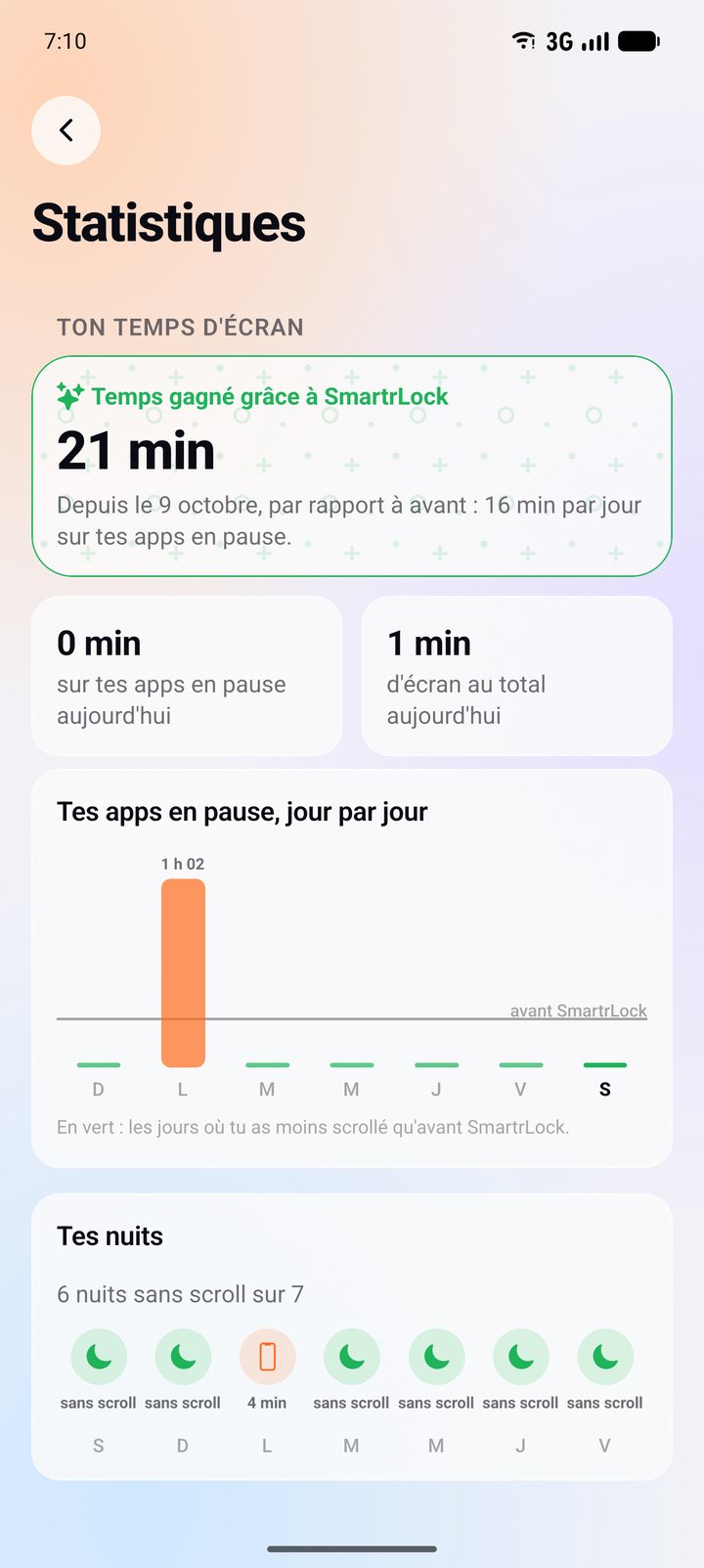
- Your time won back. SmartrLock compares your screen time with your screen time before.
- The social side. A leaderboard with friends (who spends the least time on their phone) and teams with a weekly scrolling limit.
- Learning along the way. Every quiz moves you forward on a path: general knowledge, science, history, geography, and more with Premium.
- A message before opening an app, asking whether it's on purpose or just habit.
- Night mode and Monk mode (Premium), to put the phone down in the evening or to focus.
Which one to choose?
If you just want to see your numbers, Digital Wellbeing is enough. If you really want to spend less time on your phone, without banning everything, and with your friends, SmartrLock is made for that. It's free with no ads on Google Play.
Ready to look up from your screen?
Get it on Google Play