 SmartrLock
Put your phone down at night to sleep better
In short
- In the evening you're tired and less able to resist scrolling.
- Set a time, charge your phone away from the bed and plan something else.
- SmartrLock's night mode (Premium) limits each unlock to 5 minutes and reminds you of bedtime.
"One more video", and it's 1 am. In the evening you're tired, so less able to resist scrolling. And the next day, you pay for the shorter night.
A few simple ideas
- Pick a time to put the phone down, and keep it like an appointment.
- Charge it away from the bed, or at least out of arm's reach.
- Plan something else: a book, some music, a few minutes doing nothing.
- Use a real alarm clock, so you don't need the phone when you wake up.
SmartrLock's night mode
Night mode (Premium) is made for those moments:
- By default it starts at 9 pm and ends at 5 am, and you set the hours as you like.
- You get a reminder 15 minutes before the night starts.
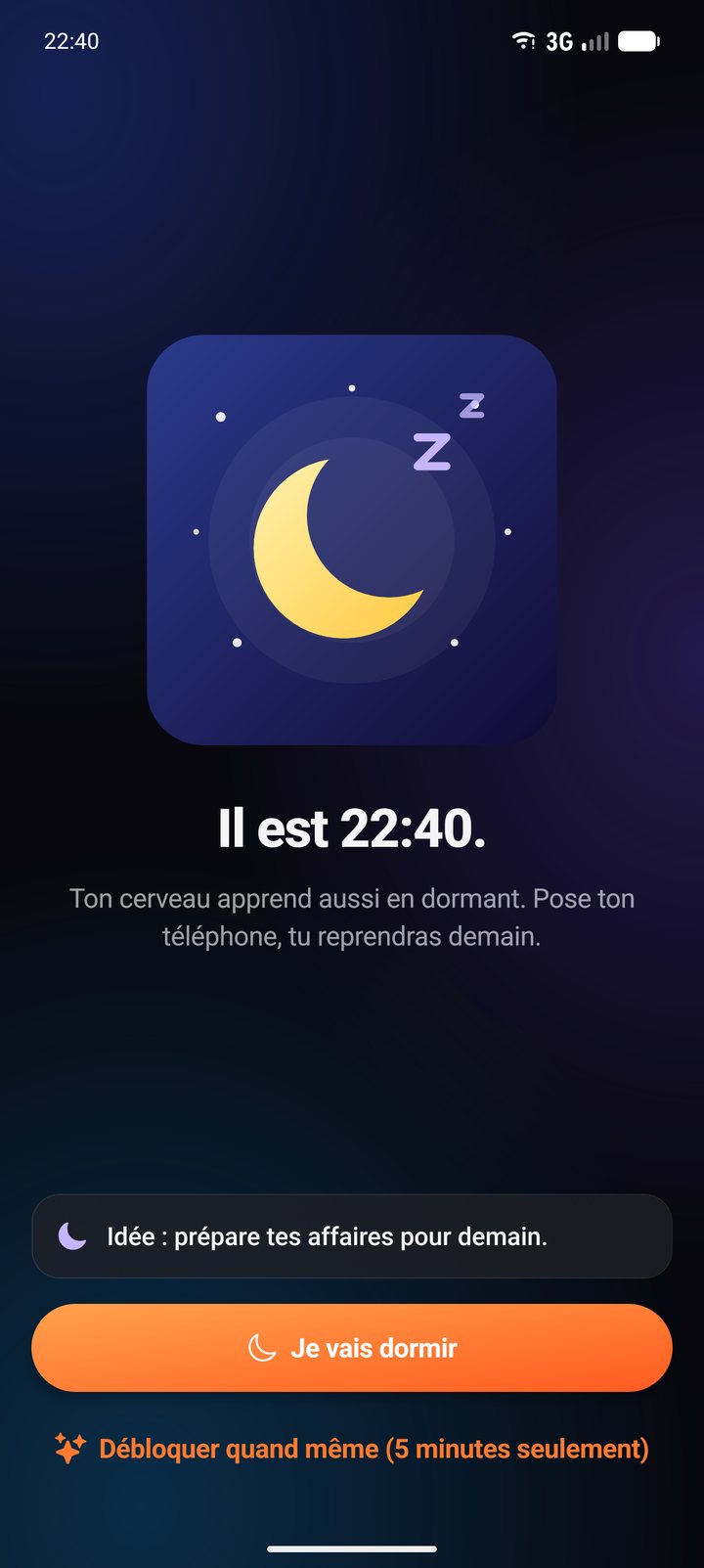
- The whole app switches to night colours, and the pause screen reminds you what time it is.
- A quiz unlocks only 5 minutes: enough to answer a message, not to get lost scrolling again.
- Every night without opening your paused apps earns you 10 Brainz.
No pressure
If you give in one night, nothing is lost: no broken streak, no blame. Tomorrow is a new night.
Night mode is part of Premium (€4.99 a month or €29.99 a year). You can also try it for a week with 1,500 Brainz in the Shop.
Ready to look up from your screen?
Get it on Google Play