 SmartrLock
Focus without your phone with Monk mode
In short
- Monk mode blocks every app except the essentials (phone, messages, contacts, camera, clock, calendar, maps, settings).
- For 1, 2 or 4 hours, your own duration or until you stop it, with no quiz possible.
- To stop before the end, you hold the button for 3 seconds.
You sit down to study or work, and ten minutes later you're on your phone without knowing how. For the moments you really need to focus, a pause isn't always enough. That's where Monk mode comes in.
What Monk mode does
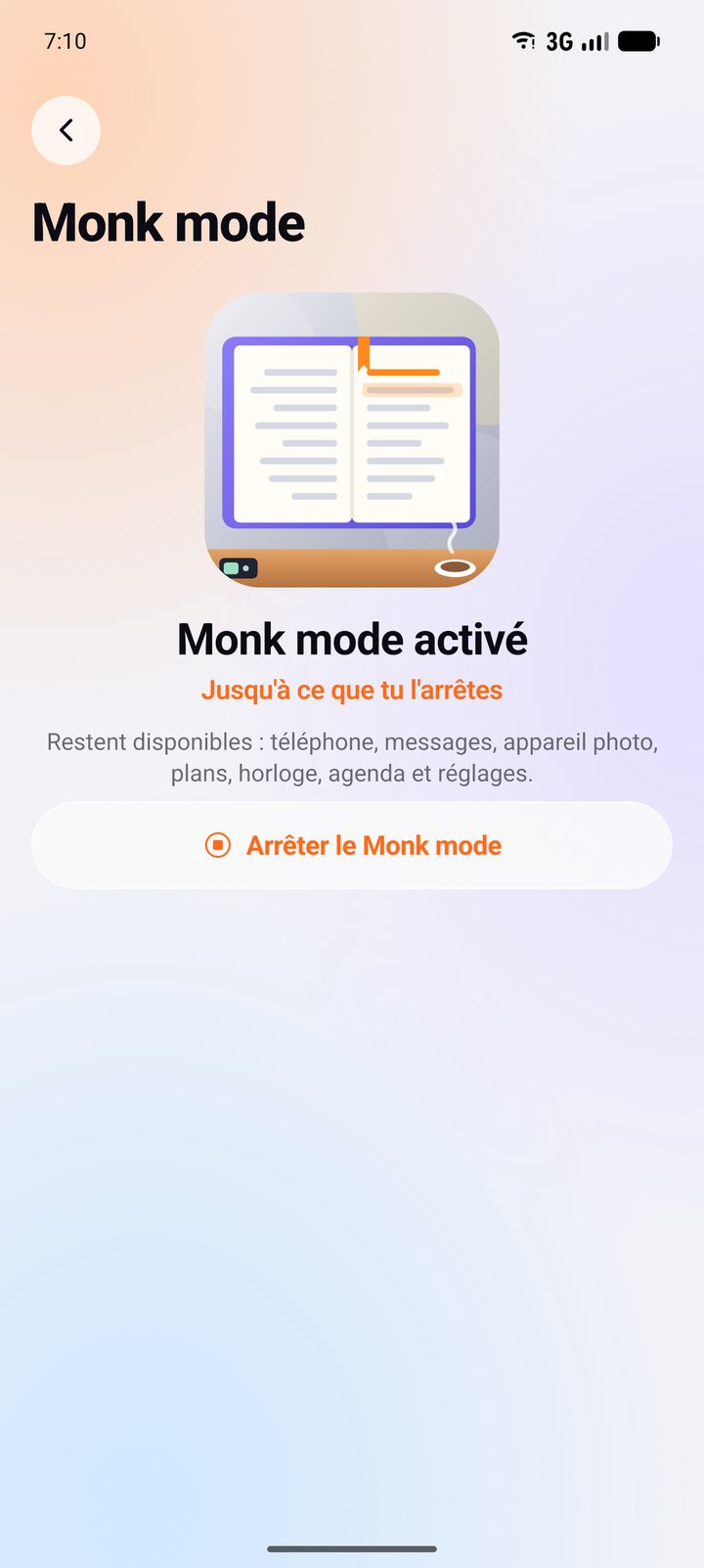
- It blocks every app except the essentials: phone, messages, contacts, camera, clock, calendar, maps and settings.
- You choose the duration: 1, 2 or 4 hours, your own duration (up to 24 hours), or until you stop it.
- No quiz possible in the meantime: it's a real break.
- To stop a session before the end, you hold the button for 3 seconds. That little delay leaves time to ask yourself if it's really needed.
When to use it
- While studying or doing work that needs focus.
- To read, write, create.
- During a meal, an outing, a moment with people you love.
- For a screen-free morning or Sunday.
Tips for a good session
- Decide before you start what you'll do during that time.
- Tell the people who matter: they can still call or text you.
- Start short (1 hour), then go longer once it gets easy.
Monk mode is part of Premium (€4.99 a month or €29.99 a year), with night mode, all quiz paths and your own goals.
Ready to look up from your screen?
Get it on Google Play